VK catalogue
Films, series, genres and collections in the VKify Video section.
Explore VK in a dedicated menu section or search directly from a familiar Lampa film card. Choose a video and watch with the native player.
No VK account · Native Lampa player
Films, series and live TV in the VKify Video section.
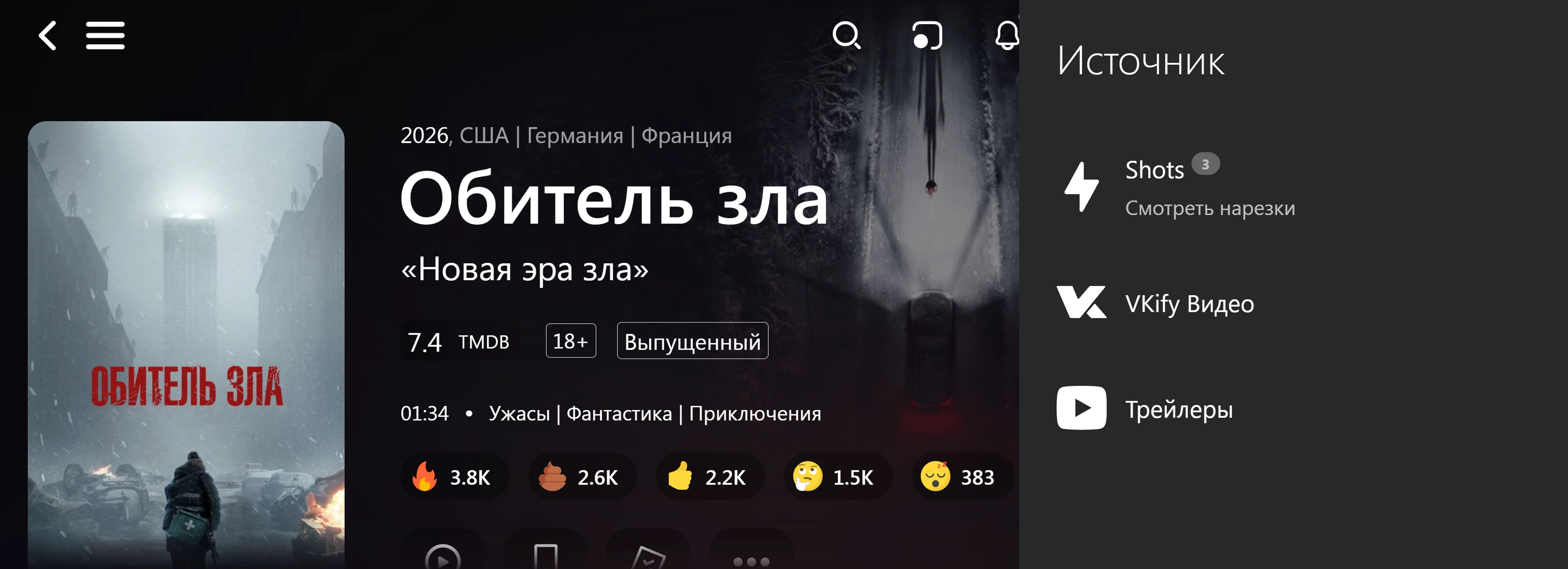
Choose VKify Video in a Lampa film’s sources.
Inside the plugin
Start here
On Android, just add the link. No VK account required.
The Lampa Android app connects directly — no proxy needed.
Use a personal URL from your server or set up a local computer proxy. Follow the documentation for each step.
On Android, your device needs a Russian outgoing IP. With a VPS, the server needs a Russian outgoing IP, regardless of your TV or computer IP. A limited catalogue is replaced by a notice; video search remains available.
Implemented in the plugin. Video availability depends on VK and the platform running Lampa.
Films, series, genres and collections in the VKify Video section.
Search by title and filter by quality, duration and type. Open VKify Video from a Lampa card without a VK account.
Choose an episode and quality. Automatic playback can continue into the next season.
Continue watching and Watch later shelves collect your videos. Saved position and episode history help you resume.
Categories, favourites and channel switching in the player. Programme information is shown when VK supplies it.
The plugin does not read account passwords or cookies. Private videos and access restrictions are not bypassed.